
#featured
Ever wondered if you could transform your Apple Notes into stunning websites? Well, now you can with Quotion - and it's easier than you might think!
TL;DR
- Go to quotion.co
- Sign up as a new user (it's free)- Create a new site (free subdomain included)- Connect a designated Apple Notes folder- Congratulations! Your notes are live now!
Apple Notes as a CMS
After years of evolution by Apple, Apple Notes is good choice as a note app. It's lightning-fast, beautifully simple, and handles thousands of notes with ease.
But there's one feature that's been missing: the ability to share your notes as beautiful websites. While apps like Notion and Craft offer this functionality, Apple Notes users have been left wanting... until now!
Enter Quotion (Hey there! 👋 Creator here), your bridge between Apple Notes and the web.
Get started
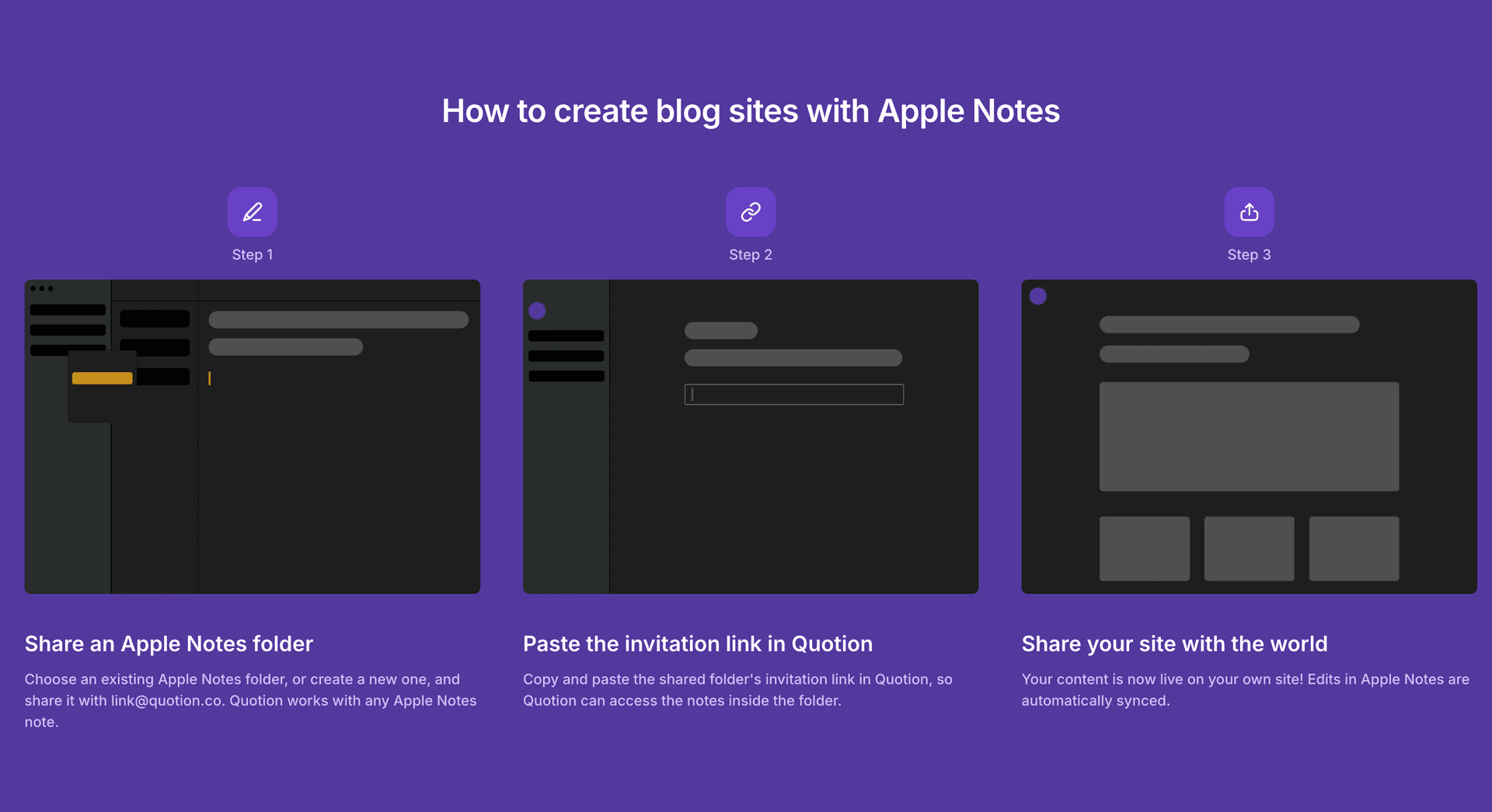
To start publishing your notes as websites (or blogs), follow these 5 steps:
- Go to quotion.co
- Sign up as a new user
- Create a new site (free domain included)
- Connect a designated Apple Notes folder
- Congratulations! Your notes are live now!
How does it work?
Quotion uses iCloud for syncing - the same technology you use when sharing notes with friends.
Your notes are automatically converted to markdown (yes, we fully support markdown syntax!) and transformed into clean, responsive web pages.
Looking for comprehensive website experience?
Quotion isn't just about basic note publishing. We've packed in everything you need for a professional web presence:
- Layout customizations and personalization
- Custom domain- Privacy-friendly analytics- Turbocharged performance- SEO optimized- Comment system- Password protection- Post scheduling
Ready to share your ideas with the world? Join our growing community of creators and turn your Apple Notes into something spectacular. Can't wait to see what you'll create!