Changelog

Discover the latest updates, enhancements, and fixes in Quotion.

Subscribe to updates

Cover

Fieldnotes Theme

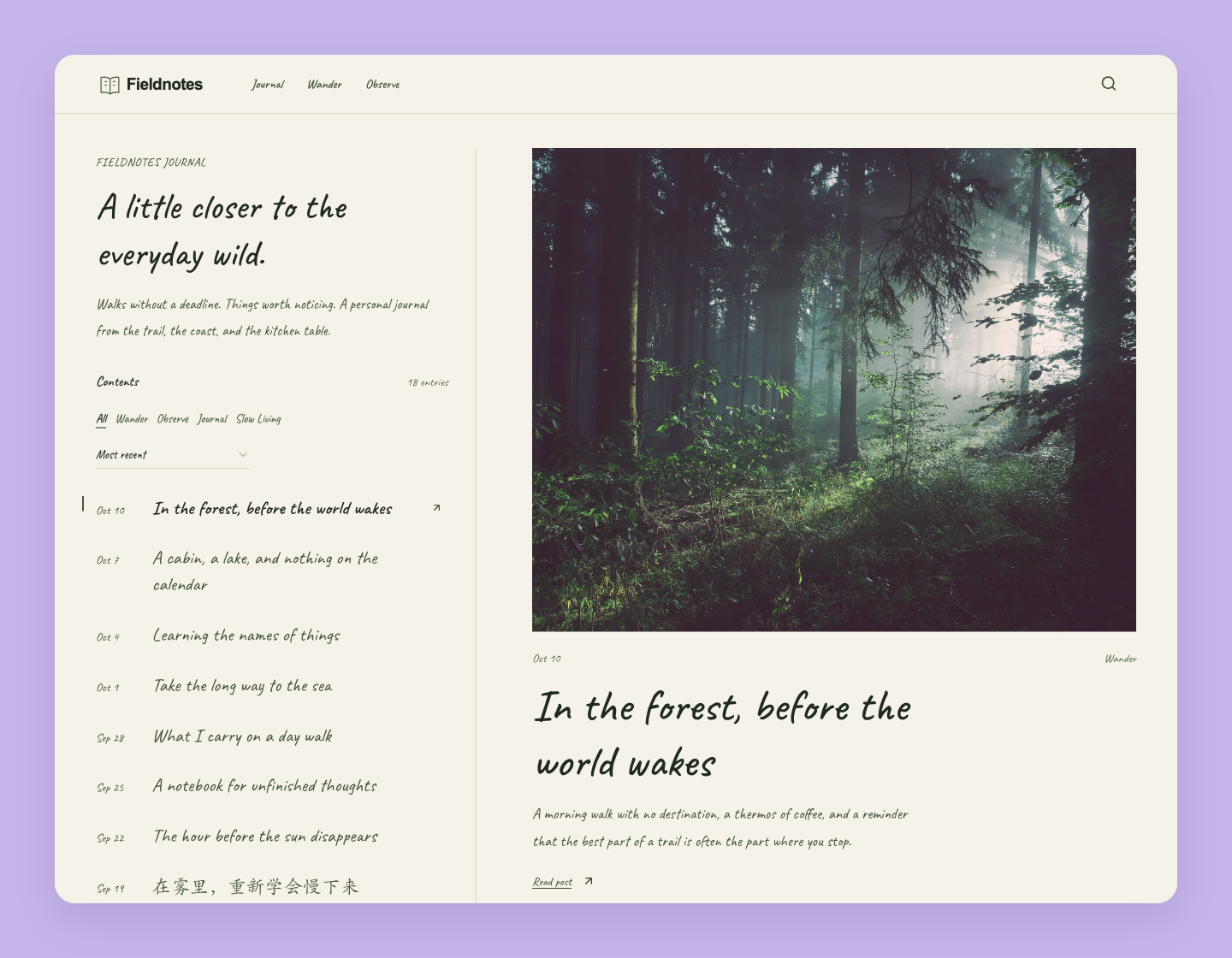
Turn your blog into a personal journal with the new Fieldnotes theme. Browse dated entries beside a large photo preview, then open a post with its title, author, and table of contents in the margin. On mobile, tap an entry to open its photo and excerpt.

Warm paper tones, forest-green accents, and the Caveat handwriting font give Fieldnotes its notebook character. You can choose another font in Design to change the text throughout your site.

Fieldnotes includes a set of Unsplash photos for posts without a cover. Your own cover images are kept as they are.

To try it, open your site's Design → All page, choose Fieldnotes from the Theme menu, and publish your changes.
Cover

Gazette Theme

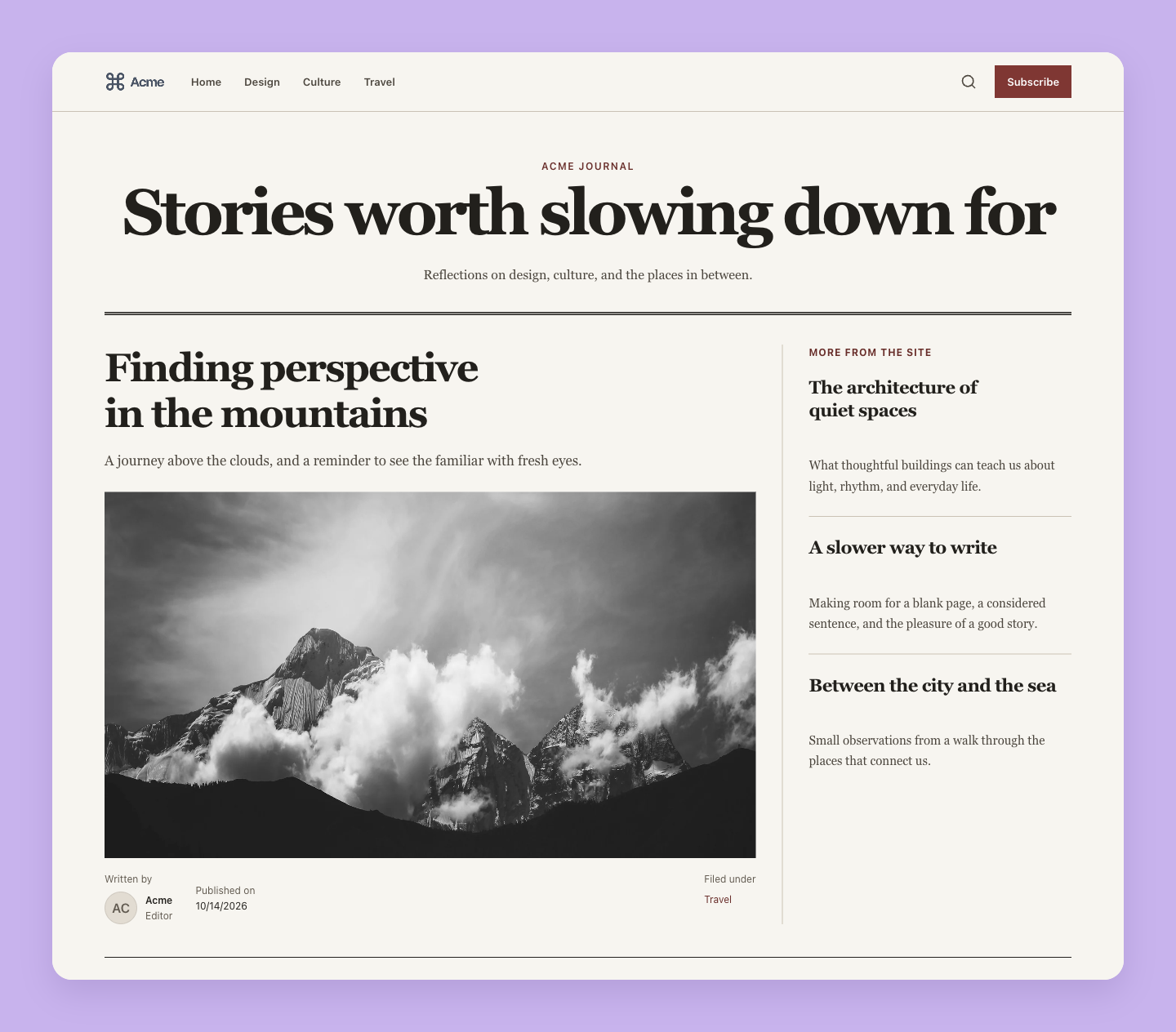
Give your blog the feel of an independent newspaper with the new Gazette theme. Warm paper tones, serif headlines, crisp rules, and a front-page layout bring a distinctive editorial style to your writing.

Gazette includes a set of black-and-white cover photos for posts without a cover. Your own cover images are kept as they are, and the theme carries through post pages, search, and subscription forms.

To try it, open your site's Design → All page, choose Gazette from the Theme menu, and publish your changes.
Cover

Built-in Comments

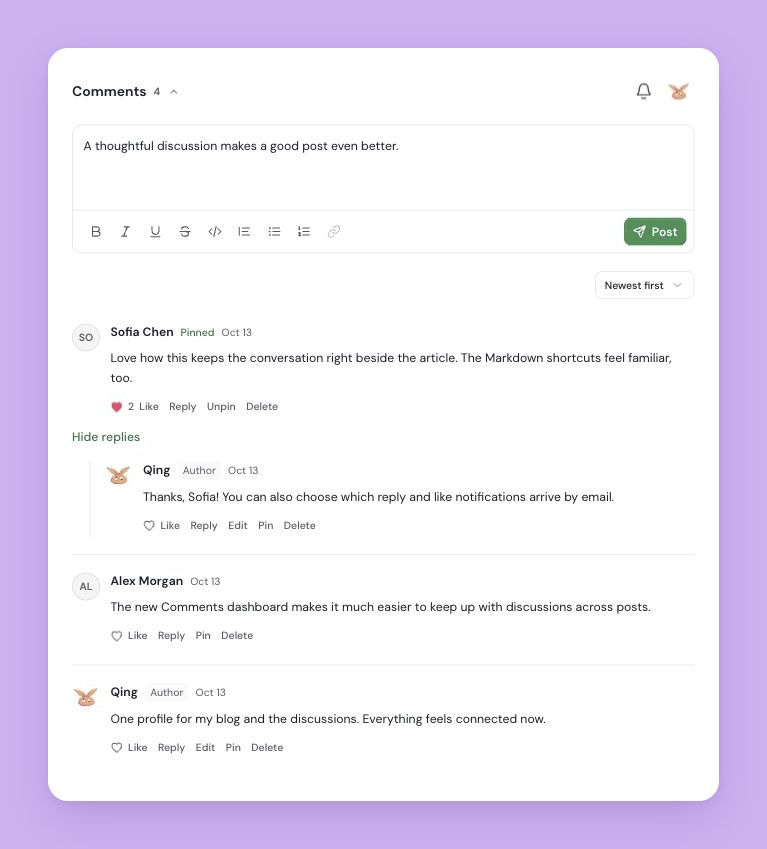
Bring the conversation directly into your posts with Quotion's built-in comments. Readers can sign in with an email verification code, write formatted comments, reply, and like. The comment section follows your site's theme and works on mobile.

Your Quotion account now shares the same name and avatar across discussions and the dashboard. Readers can find their discussions in My comments and choose reply and like email notifications separately.

The new Comments page in your site dashboard lets you search, filter, sort, and manage discussions across all your posts. Reply, pin, or remove comments from one place.

To enable comments, open Design → Post, turn on Show Comments, and publish your changes. Existing comments from the previous integration are not imported.

Cover

Minimal Theme

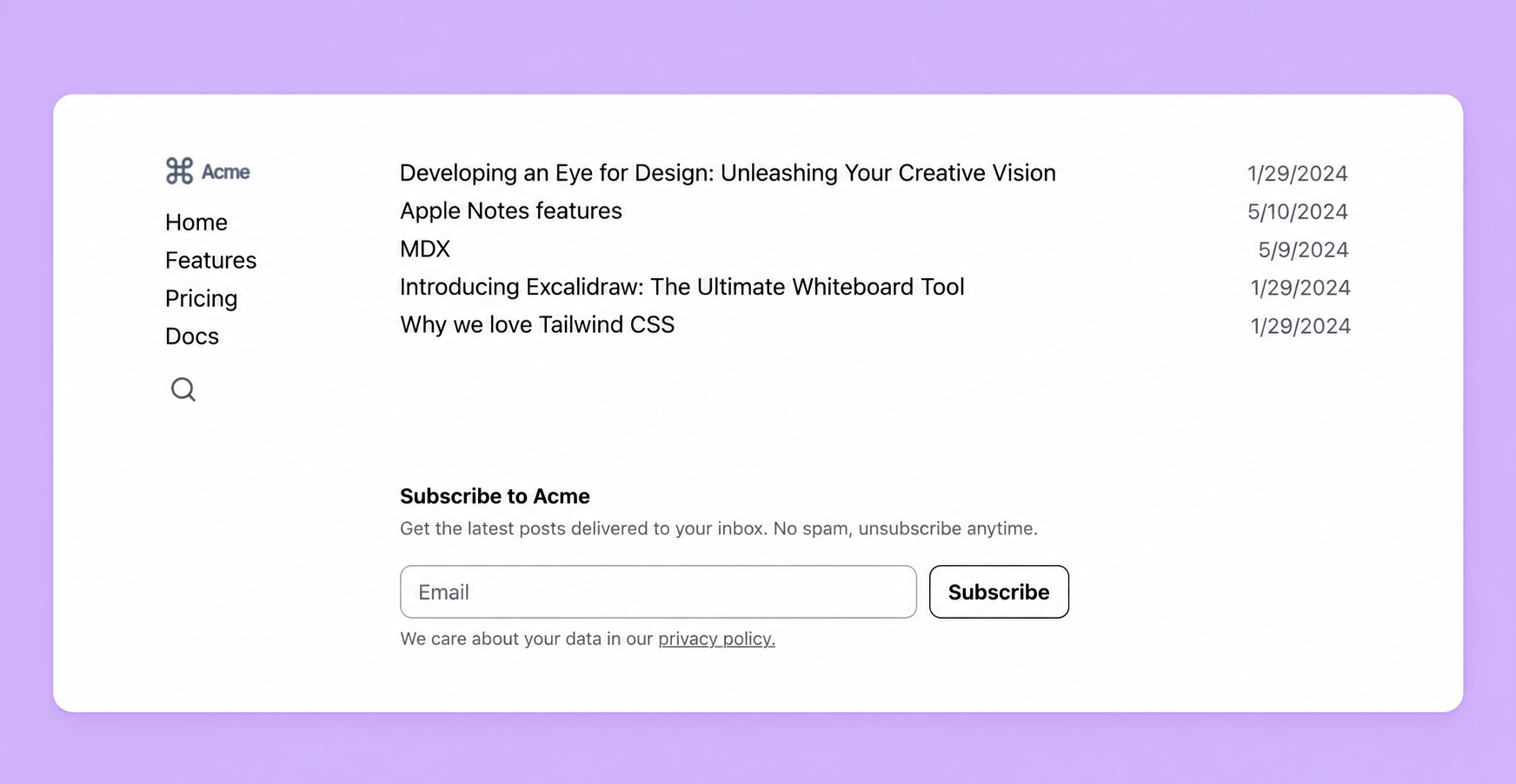
Give your blog a clean, text-focused look with the new Minimal theme. A compact sidebar, simple black-and-white palette, and title-and-date post lists keep the focus on your writing. Your home page groups posts by their Apple Notes folders, while post pages offer a distraction-free reading layout.

To try it, open your site's Design → All page, choose Minimal from the Theme menu, and publish your changes.
Post author avatars now display correctly

Posts and post cards showed the author's initials instead of their avatar when the profile picture was updated after the site was created. The author image now falls back to your account avatar, so it shows everywhere consistently.
Clicking a #featured tag on a post used to land on an empty "no posts" page. It now lists all of your featured posts.

Author avatar in social share previews

Link previews on X, LinkedIn, and other platforms (Open Graph images) now include the post author's avatar, falling back to your account avatar when no custom author image is set.
Post, tag, breadcrumb, and "view all posts" links could briefly resolve to a wrong path on blogs viewed at their *.quotion.co subdomain. They are now correct from the first render.

Fixed the account menu crashing when opened

Opening the account menu (the avatar at the bottom of the dashboard sidebar) could throw an error and fail to open. It now opens reliably.
Cover

ICO Image Support

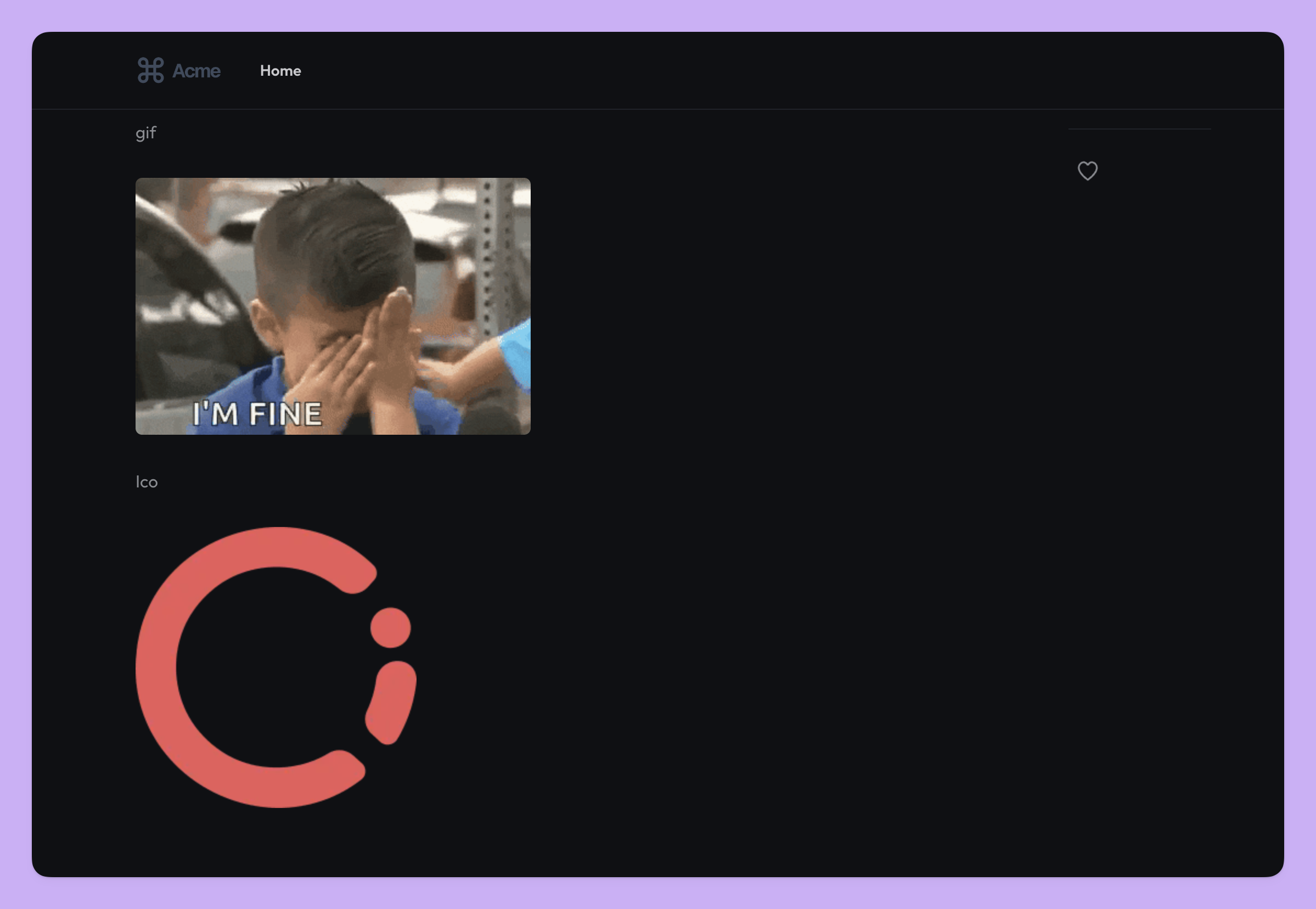
ICO files (favicons and icons) are now properly supported, ensuring they display correctly on your site. Previously, ICO images could appear broken in browsers.
Next

Create your blogs directly from Apple Notes.

Say goodbye to complex CMS updates and management issues!

You focus on creating quality content while Quotion takes care of the rest.